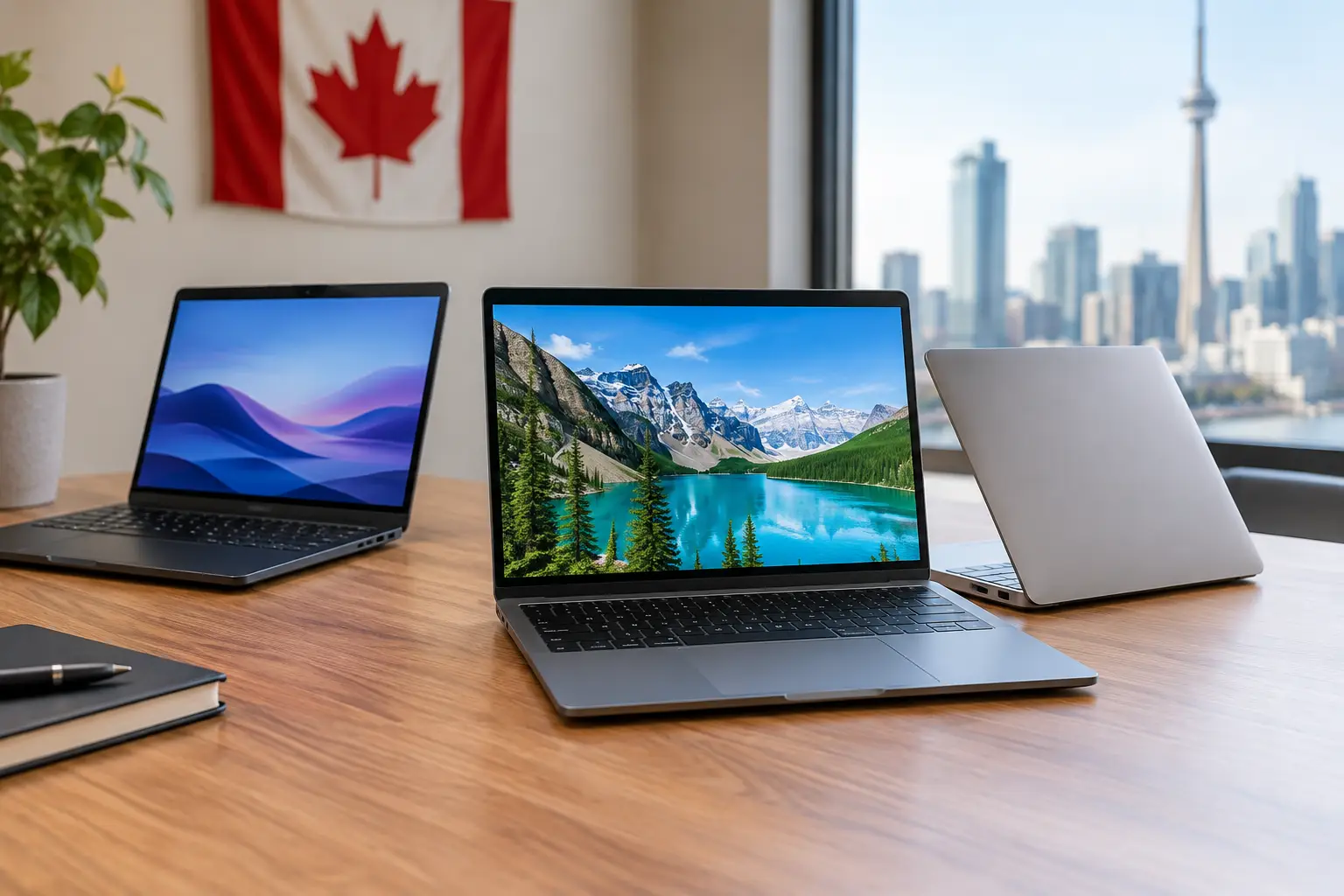
A $499 laptop can be a great buy or a frustrating false economy. The difference usually comes down to a few details hiding behind the sale price: memory, storage, screen quality and the kind of work you expect it to handle. When shopping for the best budget laptops Canada has available, focus on the everyday experience, not just the biggest discount badge.
For students writing papers, families managing bills, and professionals working from the kitchen table, a budget laptop should feel quick, comfortable and ready for the next few years. You do not need premium features you will never use. You do need enough performance to avoid slow starts, frozen browser tabs and constant storage warnings.
What Makes a Budget Laptop Worth Buying?
A low price matters, but value matters more. In Canada, the budget sweet spot is often between $400 and $800, especially during back-to-school sales, Boxing Week events and daily online deals. Below that range, you can still find useful Chromebooks and basic Windows machines, but compromises become more noticeable.
Start with the processor. For straightforward browsing, documents, video calls and streaming, an Intel N-series chip, Intel Core i3, AMD Ryzen 3 or a recent Chromebook processor can be a sensible fit. For multitasking, larger spreadsheets, light editing or a busy school workload, a Core i5 or Ryzen 5 model is usually the better long-term choice when it appears on sale.
Memory is just as important. Look for 8GB of RAM as a practical minimum for a Windows laptop. It gives you room for browser tabs, Microsoft 365, Zoom or Teams, and background apps without making the system feel cramped. A 4GB model can work for very light Chromebook use, but it is best treated as a simple web and email device rather than an all-purpose family computer.
Storage deserves a quick check before you shop now. A 256GB SSD is the comfortable starting point for most Windows users. It starts faster and feels more responsive than older hard-drive-based systems. A 128GB SSD can work for cloud-first users, while 512GB is an excellent deal if you keep photos, school projects or downloaded games on the laptop.
Best Budget Laptops Canada Shoppers Should Compare
Rather than chasing one so-called perfect machine, match the laptop category to your day. Prices and configurations move quickly, so a strong deal is often a reliable model with the right specs, not necessarily the newest release.
Best for school and everyday home use: 14-inch Windows laptops
A 14-inch Windows laptop is the easy all-rounder. Models in the Acer Aspire, ASUS Vivobook, HP Laptop and Lenovo IdeaPad families regularly appear in budget-friendly configurations. Look for 8GB of RAM, a 256GB SSD and a Full HD display. Those three details make a noticeable difference during long research sessions and movie nights.
A 14-inch screen is large enough for split-screen work but small enough to fit in a backpack. For students, this balance is hard to beat. If you see a Core i3 or Ryzen 3 model with these specs at a good price, it is often a smarter purchase than a cheaper 15.6-inch laptop with only 4GB of memory.
Best for portability: 13- and 14-inch Chromebooks
Chromebooks are a strong option for shoppers who mostly use Google Docs, web apps, email, streaming services and video calls. They tend to start quickly, offer solid battery life and keep the setup simple. They are especially appealing for younger students and households that need an affordable second computer.
The trade-off is software flexibility. A Chromebook is not the right pick if you rely on full Windows applications, specialized school programs, advanced photo tools or PC gaming. Check your school or workplace requirements first. If your tasks live in a browser, though, a Chromebook with 8GB of RAM and 128GB of storage can be one of the best deals in the category.
Best for larger screens: 15.6-inch laptops
For home offices, shared family spaces and shoppers who prefer more room for documents, a 15.6-inch laptop is still a popular choice. The larger display can make budgeting, online learning and streaming more comfortable. Some models also include a number pad, which is handy for bookkeeping and data entry.
The compromise is portability. These laptops take up more space and can feel less convenient for daily commuting. If the laptop will mostly live on a desk or kitchen counter, that may not matter at all. Prioritize a Full HD screen, because lower-resolution displays can make text look less crisp on a bigger panel.
Best for light creative work: Ryzen 5 or Core i5 sale models
If you edit photos, create presentations with lots of media, work with several apps at once or want more breathing room for the future, watch for sales on laptops with AMD Ryzen 5 or Intel Core i5 processors. You do not need a pricey creator laptop for occasional Canva projects, short videos or casual design work.
Try to pair that processor with 8GB of RAM at minimum, ideally 16GB if the price is right. Integrated graphics are fine for light creative tasks, but they are not designed for demanding 3D work or the newest games. A good sale on a mid-range processor can deliver more real-life value than paying extra for a thin metal chassis or a touchscreen you rarely use.
The Specs That Save You From Buyer’s Regret
It is easy to get pulled in by a big storage number, a colourful design or a bundle that includes accessories. Before adding a laptop to your cart, give the essential specs a quick reality check.
A Full HD display, listed as 1920 x 1080, is worth seeking out. It keeps text sharper and gives you more comfortable space for documents and browser windows. Screen brightness and colour can vary in budget models, so a laptop meant for outdoor patios or bright rooms may need a better panel than one used mainly indoors.
Ports are another small detail with a big impact. At least one USB-C port is useful for modern charging and accessories. Standard USB-A ports are still convenient for flash drives, mice and older peripherals. An HDMI port is a bonus for connecting to a classroom monitor or living-room TV without buying an adapter.
Battery claims are helpful, but treat them as best-case numbers. Streaming video, video calls and high screen brightness use more power than basic document work. A laptop that comfortably lasts through several classes or a morning of work is often enough, especially when you can charge at home. Read current shopper feedback for clues about heat, keyboard comfort and real-world battery behaviour.
When a Refurbished Laptop Is the Better Deal
New is not always the best value. Certified refurbished business laptops can give Canadian shoppers a better keyboard, sturdier build and stronger processor for the same price as a basic new machine. Lenovo ThinkPad, Dell Latitude and HP EliteBook models are common examples.
This route makes sense for work, writing and general use, especially if you value a durable keyboard and plenty of ports. Check the condition grade, battery policy, warranty period and whether the laptop includes a licensed operating system. An older refurbished laptop with 8GB of RAM and an SSD can still be a very capable purchase, but very old processors may have shorter software support and weaker battery life.
Avoid Paying for Features You Will Not Use
A touchscreen is nice for some people, but it should not replace better memory or storage in a tight budget. The same goes for ultra-thin designs, premium finishes and oversized storage if your files already live in cloud services.
Gaming deserves special attention. Many affordable laptops can run casual titles, older games and cloud gaming services, but a standard budget laptop is not a substitute for a dedicated gaming machine. If gaming is your top priority, save for a laptop with a discrete graphics card rather than hoping integrated graphics will handle demanding new releases.
Also be cautious with deals built around 4GB of RAM, 64GB of storage or an older hard drive. They may look tempting for basic tasks, but the savings can disappear when the laptop needs an upgrade or feels slow much sooner than expected.
Shop the Deal, Then Check the Details
The best time to buy is often when a well-equipped mainstream laptop drops into your budget range. Compare the processor, RAM, storage, screen resolution and return policy before you get excited about the percentage off. A few minutes of checking can turn a good promotion into a purchase you will be happy with after the sale ends.
GadgetGuys is the right place to browse popular tech categories, current laptop bargains and useful accessories such as sleeves, wireless mice and external storage. Choose the machine that fits your real routine, leave a little room in the budget for protection and comfort, and you will get far more from every dollar you spend.