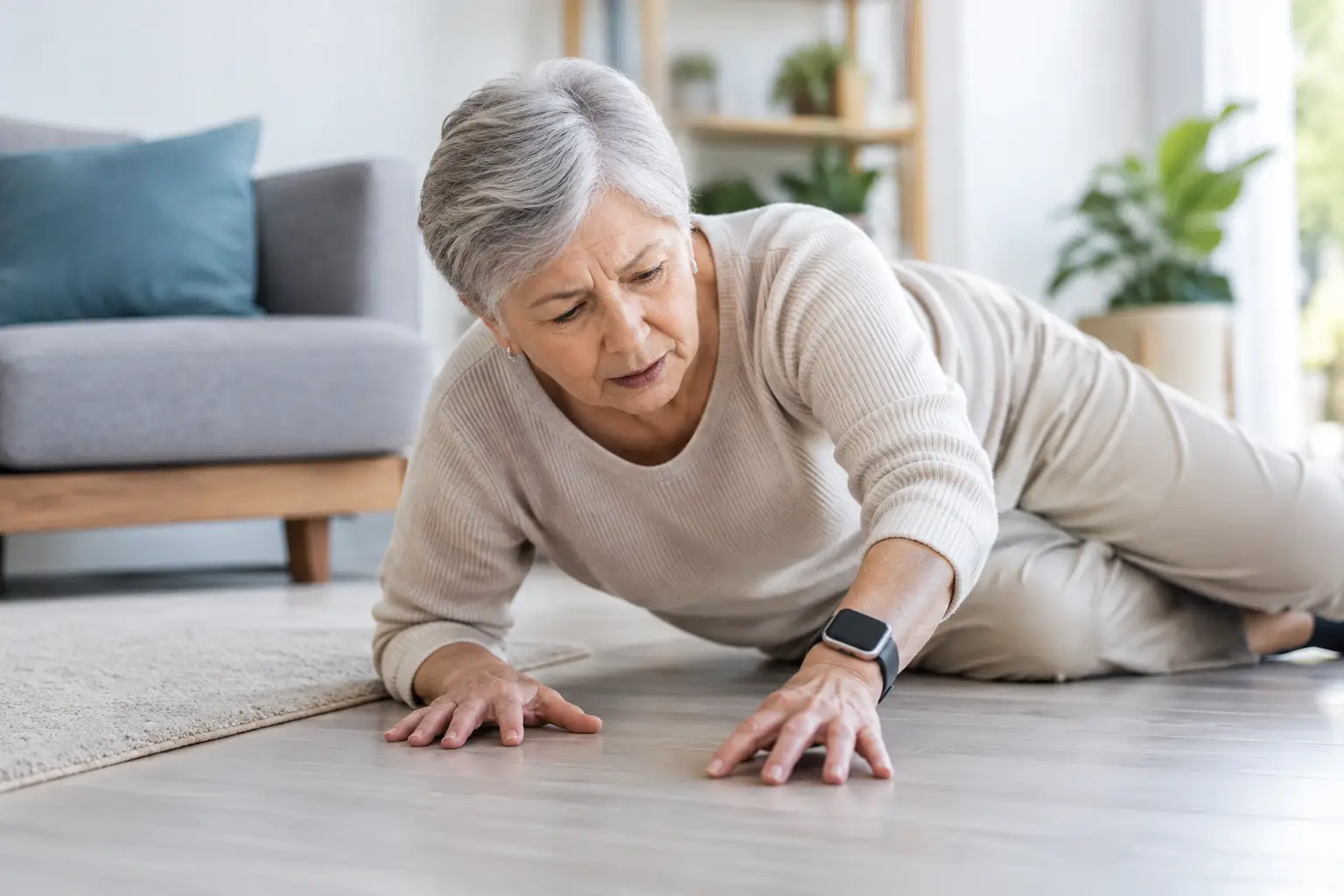
A smartwatch can track steps, show texts and make workouts easier to follow. But smartwatch fall detection can be the feature that matters most when someone lives alone, stays active outdoors, or simply wants an extra layer of reassurance. The right watch may recognize a hard fall, check whether the wearer is responsive, and contact emergency services or chosen contacts if they cannot respond.
That is a big promise, so it pays to look beyond a product badge or a sale price. Fall detection is useful technology, but it is not a replacement for calling 911, checking on a loved one, or getting medical advice. Here is what Canadian shoppers should know before adding this feature to their shortlist.
How smartwatch fall detection works
Most watches use a combination of motion sensors, including an accelerometer and gyroscope, to identify a movement pattern that may look like a serious fall. The watch looks for a sudden impact followed by little or no movement. When it detects a possible incident, it typically vibrates, sounds an alarm and displays a prompt asking if the wearer is okay.
If the wearer responds, they can dismiss the alert or choose to place an emergency call. If they do not respond within a set period, the watch may automatically call local emergency services and send a message with location details to emergency contacts. The exact timing, options and availability vary by watch, country, carrier connection and settings.
That last point matters. A device cannot help much if the feature is switched off, emergency contacts are missing, or the watch has no way to make a call when the phone is not nearby. Setup is part of the purchase, not an afterthought.
Who can benefit from fall detection?
Fall detection is often associated with older adults, and for good reason. It can offer confidence to people who live independently and peace of mind to family members who cannot check in every day. Yet it is not only for seniors.
A runner on a quiet trail, a cyclist commuting home, a student walking across campus late at night, or a worker who spends time alone may all appreciate an easy emergency calling option on their wrist. It can also be a practical feature for people managing balance concerns, recovering from an injury or taking part in activities where a phone may be hard to reach.
The best choice depends on the person, not a broad age category. Someone who dislikes charging devices may need long battery life more than advanced wellness tools. Someone with an iPhone may get more value from a watch designed for that ecosystem, while an Android user should check compatibility before comparing anything else.
The features that matter most
Emergency calls without your phone
A smartwatch with cellular service can make calls and send alerts when the phone is left at home, as long as the watch has an active plan and network coverage. This can be especially valuable for walkers, runners and people who may not always carry a phone from room to room.
Bluetooth or Wi-Fi-only models can still be a good value. They usually rely on a paired phone nearby or a known Wi-Fi connection for calling and messaging. For a household shopper looking for a more affordable option, that may be enough. Just be clear about where and when the watch will be used.
Accurate location sharing
An emergency message is more useful when it includes a current location. Look for GPS support and find out whether location can be shared automatically with emergency contacts. In rural areas, parks, basements and remote roads, GPS and mobile reception can be less reliable, so no device can guarantee perfect location data.
For a loved one who spends time outside the city, a watch that supports cellular calling may be worth the higher upfront cost and monthly plan. For someone mostly at home or around town with a phone in reach, a less expensive GPS model could be the smarter deal.
Battery life people will actually maintain
A fall detection feature only works if the watch is charged and worn. Many popular smartwatch styles need daily charging, while some health-focused watches can last several days or longer. Neither approach is automatically better.
A bright screen, app notifications, cellular connectivity and GPS can all shorten battery life. Consider the wearer’s routine. If they already charge a phone every night, a daily-charge smartwatch may fit easily. If remembering cables is a challenge, prioritize a longer-lasting model and a simple charging setup.
Clear alerts and simple controls
In an emergency, tiny icons and complicated menus are not helpful. A good watch should have a display that is easy to read, a vibration strong enough to notice and a straightforward way to call for help. Physical buttons can be useful for shoppers who find touchscreens difficult, particularly with gloves, wet hands or reduced dexterity.
Try to choose a comfortable case size and band as well. A watch that feels bulky, pinches the wrist or looks too delicate for everyday use is more likely to stay in a drawer. Comfort is a safety feature when regular wear is the goal.
Smartwatch fall detection has limits
This technology is designed to identify certain hard falls, not every stumble, slow collapse or medical event. A watch may not detect a fall if the movement does not match its algorithm. It can also create false alarms during high-impact activities, from dropping onto a chair to intense sports.
That does not mean the feature is unreliable or not worth having. It means expectations should be realistic. Wearers should learn what the alert feels and sounds like, know how to cancel an accidental call, and keep emergency contact details current.
A smartwatch also cannot diagnose why somebody fell. Dizziness, chest pain, fainting or a head injury need proper medical attention. If there is immediate danger, call 911 directly whenever possible. For people with ongoing mobility or health concerns, a discussion with a healthcare professional can help determine whether a dedicated medical alert device, a smartwatch, or both makes sense.
Check compatibility before chasing the best deal
A tempting price is only a deal if the watch works properly with the phone and services already in use. Some smartwatches are built primarily for iPhone users, while others offer their best experience with Android phones from the same brand. Basic pairing may work across platforms in some cases, but emergency calling, health features, messaging and setup options can be limited.
Before shopping, confirm the phone operating system requirements, whether a cellular model needs a specific carrier plan, and whether Canadian emergency calling is supported in your area. Also check the cost of replacement bands, chargers and screen protection. These small extras can affect the real price of ownership.
For families, it is worth checking whether the watch supports the intended user’s account arrangement. A caregiver may want emergency contacts and location sharing configured without having to share every notification, calendar item or personal message. Privacy settings should feel clear to everyone involved.
Set it up before it is needed
The first evening with a new watch is the best time to handle the essentials. Update the software, turn on fall detection where available, add trusted emergency contacts and review location permissions. If the watch supports medical ID details, enter information the wearer is comfortable sharing, such as allergies or medications.
Then explain what happens after a detected fall. Show the wearer how to dismiss a false alarm and how to manually start an emergency call. A short practice session makes the feature less intimidating and helps prevent panic if an alert appears later.
It is also smart to test ordinary calling and messaging in the places the watch will be used most. A cellular plan is helpful, but it cannot overcome weak coverage in every location. Keep a phone charged and accessible whenever possible.
Choosing the right watch for everyday confidence
The best value is not always the watch with the longest feature list. For some shoppers, a basic compatible model with reliable alerts, good comfort and a reasonable price is exactly right. For others, cellular service, a larger display and multi-day battery life are worth paying more for.
Browse current options with the wearer’s real routine in mind, rather than buying based on one headline feature. GadgetGuys shoppers looking for practical tech can find strong choices at different price points, but the winning watch is the one that gets worn, stays charged and is set up properly.
A well-chosen smartwatch can make daily life feel a little less uncertain. Keep the emergency details updated, make charging part of the routine, and let the technology support good habits rather than replace them.