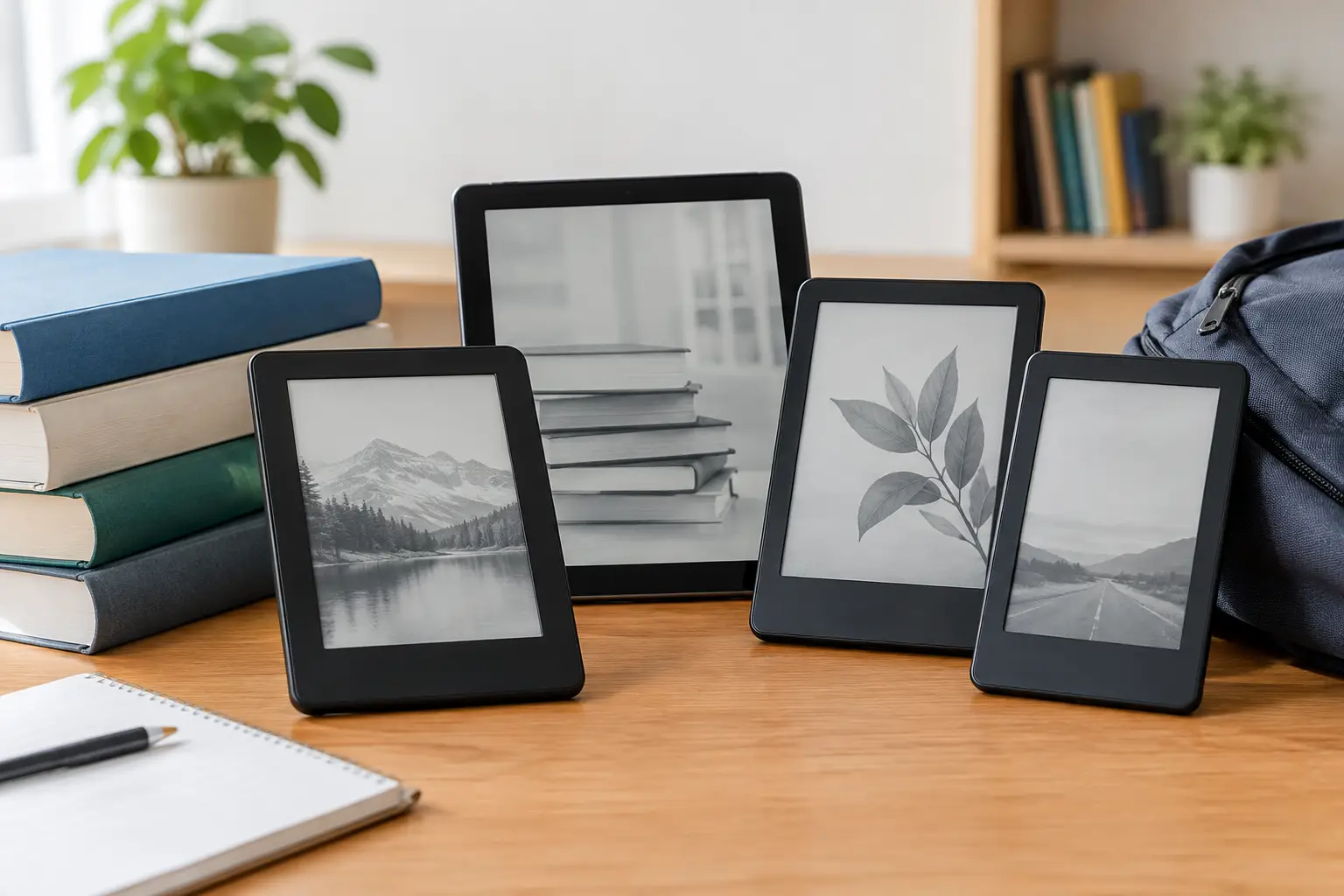
A heavy backpack can make the walk between lectures feel longer than the lecture itself. The best e reader for students gives you a lighter way to carry textbooks, assigned novels, research reading, and a personal library without another distracting screen competing for your attention. For Canadian students watching every dollar, the right choice comes down to more than just the lowest sale price: it needs to be comfortable to read, easy to charge, and suited to how you actually study.
An e-reader will not replace a laptop for essays, online classes, or spreadsheets. What it can do is make long reading sessions far easier on the eyes while helping you keep course materials, library books, and downtime reading in one compact device.
The quick pick for campus reading
For most students, a black-and-white 6- or 7-inch e-reader is the best value. It is small enough for a backpack pocket, has a battery that can last weeks rather than hours, and keeps the focus on the page. The Kobo Clara BW is a strong budget-friendly starting point for students who borrow e-books through many Canadian public libraries. The Kindle Paperwhite is a popular all-round option for readers who already buy Kindle books or want a larger waterproof screen.
Students who highlight constantly, mark up PDFs, or prefer handwritten class notes should look at a larger e-ink notebook such as the Kindle Scribe or Kobo Elipsa 2E. They cost more, but the extra screen space and pen support can be worthwhile if you would otherwise print readings every week.
Colour e-readers, including the Kobo Libra Colour, are a tempting middle ground. They make colour highlights, covers, diagrams, and graphic novels more enjoyable, but their screens are not as crisp or bright-looking as traditional black-and-white e-ink. Great for the right reader, not automatically the best deal for every student.
How to choose the best e reader for students
Start with the kind of reading your program demands. An English, history, law, or social-science student who mostly reads EPUB books and articles will likely be happiest with a compact reader. A design, business, science, or engineering student may spend more time with charts, slides, and scanned PDFs, where a larger screen matters more than a tiny device that saves a few dollars.
Screen size is the big trade-off. A 6-inch model is easy to carry, often the most affordable choice, and ideal for novels. A 7-inch reader provides a little more room for text and can feel more comfortable during a long chapter. Devices around 10 inches are much better for full-page documents, but they take up more bag space and come with a noticeably higher price tag.
Also consider how you get books. Kobo supports common e-book formats and is often a convenient fit for library borrowing through OverDrive in Canada. Kindle has an enormous store and a familiar reading experience, but its library and file options work differently. Check your school library, local public library, and course reading list before choosing an ecosystem. A great deal is only a great deal if it works with the books you need.
Battery life deserves a mention because it is one of the best reasons to choose e-ink. Most e-readers can handle weeks of regular reading on a charge. That means one less cable to pack during midterms and fewer anxious searches for an outlet in a crowded study area.
1. Kobo Clara BW for the budget-conscious reader
The Kobo Clara BW is the practical pick for students who want a dedicated reading device without spending laptop money. Its compact size works well for a commute, coffee-shop study session, or a small residence desk. The black-and-white e-ink display is built for text, with adjustable front lighting for evening reading.
This model makes the most sense for book-heavy programs and anyone who likes using the public library. It is also a good choice if you want to read novels between classes without reaching for your phone and falling into notifications. The smaller screen is less ideal for complex PDF textbooks, so think of it as an excellent portable book reader rather than a paper replacement for every course.
2. Kindle Paperwhite for popular all-round value
The Kindle Paperwhite remains one of the safest choices for students who want a larger reading screen without jumping to a premium note-taking device. It is comfortable for textbook-style reading, novels, and long articles, while the waterproof design adds some peace of mind around a water bottle or a rainy commute.
Its biggest advantage is simplicity. The Kindle store is easy to browse, the battery lasts a long time, and the screen lighting is pleasant for late-night reading. It is especially appealing if you have already built a Kindle library or can find a good seasonal price. Before buying, make sure your expected course files and library routine will fit the Kindle system.
3. Kobo Libra Colour for visual learners
The Kobo Libra Colour is made for students who want more than plain text but do not need a full-size digital notebook. Colour highlighting can help organize themes, quotes, and revision notes. It is also a fun pick for graphic novels, illustrated books, and course content with diagrams.
The physical page-turn buttons are a useful extra when you are reading one-handed on the bus or curled up in residence. Still, colour e-ink carries a trade-off: colours look softer than on a tablet, and the screen does not have the same clean white appearance as a black-and-white reader. Buy it for the useful colour features, not because you expect tablet-like visuals.
4. Kindle Scribe for notes and large documents
If your classes rely on PDFs, worksheets, and annotation, the Kindle Scribe can earn its higher price. Its larger display gives documents more breathing room, and the included pen experience is much closer to writing on paper than typing notes on a phone.
This is a better fit for a student who reads and marks up material every day than for someone who only reads a few novels each month. It is also worth considering if you want one device for personal reading and handwritten study notes. The trade-off is clear: it is bigger, more expensive, and less pocketable than a basic e-reader.
5. Kobo Elipsa 2E for flexible study files
The Kobo Elipsa 2E is another smart large-screen option for students who want to bring readings, notes, and library books together. Its notebook features and stylus support make it appealing for lecture notes, planning, and reviewing annotated documents. Kobo’s broader file flexibility may also suit students juggling EPUB readings and personal documents.
It is best viewed as a study tool first and a casual e-reader second. If your reading is mostly fiction, the price difference over a Clara or Paperwhite is hard to justify. If printed course packs are filling your room and bag, though, it can be a more useful upgrade.
E-reader or tablet for school?
A tablet wins when you need colour, video lectures, web research, apps, and fast document editing. An e-reader wins when you need to read for long stretches without eye fatigue, battery anxiety, or constant alerts. Many students get the best results from using both: a laptop or tablet for active coursework and an e-reader for focused reading.
Do not buy an e-reader expecting it to handle every school task. Buy one because it can make the reading-heavy parts of school feel less tiring and more organized.
Get more value from your purchase
Look for sale events around back-to-school season, Black Friday, and holiday promotions, especially if you are flexible about colour or storage. A basic protective case is usually a smarter add-on than paying extra for features you will never use. If you read in the bath, by the pool, or outdoors, waterproofing and glare-free e-ink are worth prioritizing.
Before checkout, compare the current price of the device with the cost of the books and accessories you expect to use. The best campus gadget is not necessarily the one with the longest feature list. It is the one you will bring to class, use between lectures, and still enjoy opening when the required reading is finally done.