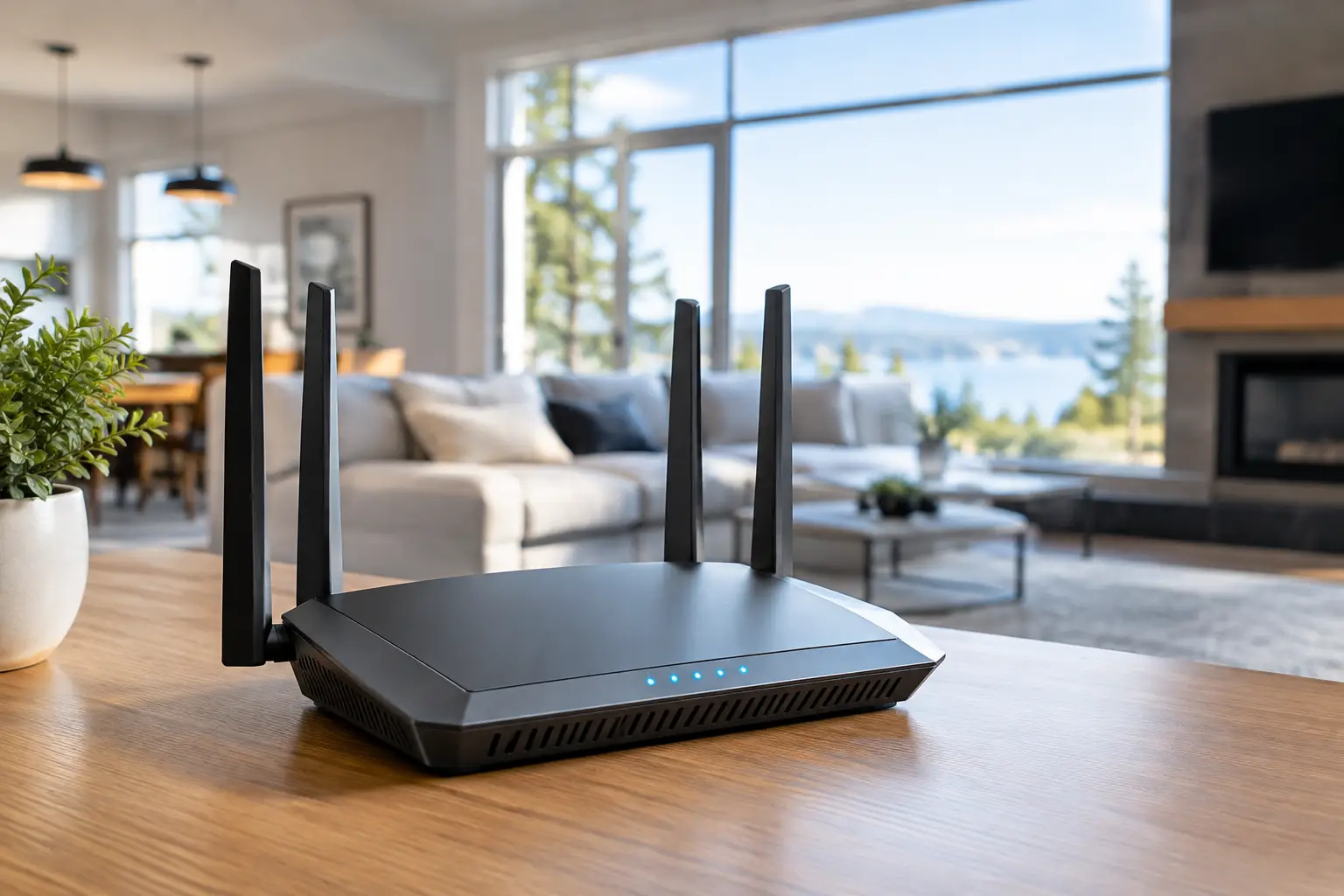
A fast internet plan can still feel painfully slow when the signal fades in the upstairs bedroom, the basement office, or the far end of the backyard. Choosing a wifi router for large homes is less about buying the most expensive box on the shelf and more about matching coverage to the way your household actually uses the internet.
For Canadian families, renters in multi-level townhomes, gamers, remote workers, and anyone adding smart lights, cameras, TVs, and tablets, weak WiFi creates daily friction. The right setup keeps video calls clear, game downloads moving, and movie night from turning into a buffering contest – without paying for features you will never use.
What Makes a WiFi Router for Large Homes Different?
A standard router may work well in a compact condo, but larger homes ask more from a network. Signals have to travel through floors, walls, appliances, furniture, and sometimes dense materials such as brick, concrete, plaster, or radiant heating. A router’s advertised coverage is useful as a starting point, but it is usually measured in open space. Real-world results will be lower.
The first question is not simply, “How big is my home?” Think about where people connect. A 2,500-square-foot home with three floors, a finished basement, and a detached garage is much tougher to cover than an open 2,500-square-foot bungalow. A house with one family streaming and browsing also needs less capacity than a busy home with remote work, online classes, consoles, security cameras, and dozens of smart-home accessories.
For many larger homes, the best answer is a mesh WiFi system rather than one powerful standalone router. Mesh systems use a main router plus one or more satellite units, often called nodes, placed around the home. Instead of hoping one device can punch through every wall, the network spreads the signal closer to where it is needed.
Router or Mesh System: Which Offers Better Value?
A standalone router is often the better bargain when your home has an open layout and you can place it close to the centre of the living space. It can also make sense if you have ethernet wiring available. You can add a wired access point later to improve coverage in a basement, office, or entertainment room without replacing everything.
Mesh is usually the simpler choice for homes with coverage dead zones. It is particularly handy for split-level layouts, older houses with thick walls, and properties where devices are used across several floors. Most mesh kits are managed from a phone app, so checking connected devices, pausing internet access for a child’s device, or running a speed test is straightforward.
There is a trade-off. A low-priced mesh kit can offer better reach than a single router but may not deliver top speed at the furthest node, especially when the nodes communicate wirelessly. If fast service reaches a gaming PC or a work desk, use ethernet where possible. A wired connection to a satellite node, known as ethernet backhaul, can make a noticeable difference.
Before shopping, consider these four practical factors:
- Home layout: Count floors, long hallways, dense walls, and places where WiFi currently drops.
- Internet plan: A 1 Gbps plan does not require an ultra-premium router for basic browsing, but it benefits from newer WiFi standards and gigabit or faster ports.
- Device count: A household with 30 to 60 connected products needs more capacity than one with a few phones and a TV.
- Future plans: Smart cameras, a new console, a home office, and faster fibre service can quickly outgrow entry-level hardware.
Choose the Right WiFi Standard
WiFi naming can look like a spec-sheet headache, but the short version is easy. WiFi 6 is a strong value choice for most large homes. It handles multiple devices efficiently and is widely supported by current phones, laptops, consoles, and streaming gear. WiFi 6E adds access to the 6 GHz band, which can be less crowded in busy neighbourhoods, though devices also need 6E support to use it.
WiFi 7 is the newest option and can deliver higher speeds, lower latency, and better performance when many compatible devices are active. It is worth considering if you are buying for the long term, have multi-gig internet, or run a demanding setup with gaming, large file transfers, and several heavy users. For a family with a typical cable or fibre plan and mostly WiFi 5 or WiFi 6 devices, a well-priced WiFi 6 mesh kit remains a smart buy.
Do not pay a major premium for a label alone. A properly placed WiFi 6 system will often outperform a poorly placed WiFi 7 router. Coverage, node placement, and wired connections matter just as much as the generation printed on the package.
Features Worth Paying For
When comparing a wifi router for large homes, start with the features that affect everyday use. Tri-band mesh systems are useful in busy homes because they have an additional band for communication between nodes or for compatible devices. This can reduce congestion compared with a basic dual-band system.
Look for gigabit ethernet ports at minimum. If your internet plan is faster than 1 Gbps, or you regularly move large video files between computers, 2.5 GbE ports are worth a closer look. A USB port can be convenient for shared storage, but it should not be a deciding feature for most shoppers.
Security and parental controls also deserve attention. Many brands include basic network security, guest-network settings, device controls, and scheduled pauses in their app. Some advanced features require a subscription after a trial period. Check that detail before you buy, particularly if ongoing costs are a deal-breaker.
For gaming, focus on consistent performance instead of chasing huge theoretical speed numbers. Quality-of-service controls can prioritize a console or gaming PC when other people are streaming. Still, an ethernet cable is the best upgrade for competitive play. WiFi can be excellent, but wired is generally more stable when every millisecond counts.
Placement Can Save You Money
Even the best deal will disappoint if the router is hidden in a cabinet beside the modem, tucked behind a television, or placed in a far corner of the basement. Set the primary router in an open, elevated location near the centre of the home whenever possible. Keep it away from large metal objects, enclosed shelving, and major appliances.
For mesh, place the first satellite about halfway between the main router and the weak area, not directly inside the dead zone. The satellite needs a strong connection back to the main unit before it can provide a useful signal onward. In a three-storey home, placing nodes on different levels can work better than putting every unit at opposite ends of one floor.
Test before committing to a permanent location. Walk through the rooms where you actually use devices: the office during a video call, the bedroom at night, the basement near the TV, and the patio in summer. Many router apps show node signal quality, but a real speed test on your phone tells a more complete story.
Avoid These Common Buying Mistakes
The biggest mistake is buying based on maximum speed alone. Those large numbers combine multiple bands and reflect ideal lab conditions, not the speed one phone will see through two floors. Coverage ratings, port selection, and the number of devices in your household usually tell a more useful story.
Another common issue is buying too few mesh nodes. A two-pack may cover a modest two-storey home, but a large home with a basement or a detached workspace may need three units. On the other hand, adding nodes too close together can cause unnecessary overlap. More hardware is not automatically better.
Finally, do not forget your internet provider’s equipment. If the provider modem also broadcasts WiFi, turn off its WiFi function or place it in bridge mode when using your own router, where supported. Running two separate WiFi networks in the same space can create confusion and interference.
Find a Setup That Fits Your Home and Budget
The best value is not always the lowest price or the most feature-packed package. For an open family home with a moderate internet plan, a capable WiFi 6 router may be all you need. For multiple floors, difficult walls, and a house full of connected tech, a two- or three-node mesh system is often money better spent.
Check current bundles and popular models with your floor plan in mind, then compare the real features you will use: coverage, WiFi generation, ethernet ports, security controls, and expandability. GadgetGuys shoppers do not need to overcomplicate the decision. Put your router where it can work, choose enough coverage for the spaces you use every day, and your next movie night, work call, or gaming session should feel a lot less frustrating.