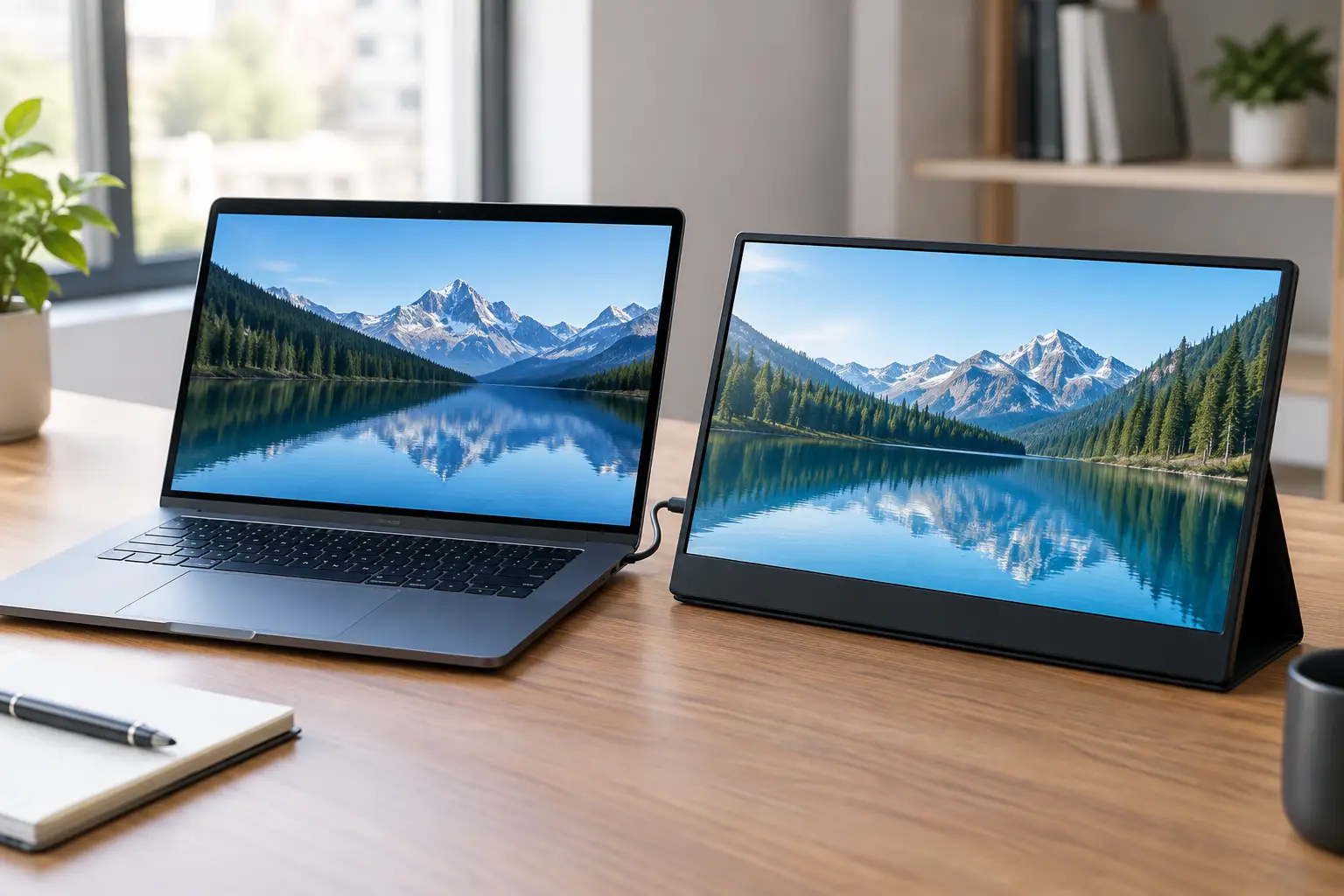
A cramped laptop screen can turn a simple spreadsheet, lecture, design task or gaming session into a constant shuffle between windows. The best portable monitors under 200 give Canadian shoppers a practical second screen without committing to a full desk monitor – and many connect with one USB-C cable.
At this price, the smartest buy is rarely the monitor with the longest feature list. Look for the right size, a connection your laptop actually supports, and a case or stand that will survive life in a backpack. Prices can change quickly with daily deals, so treat the dollar figures below as a target for sale pricing in Canadian dollars rather than a permanent shelf price.
What a good under-$200 portable monitor should deliver
Most value portable monitors use a 15.6-inch, 1080p IPS panel. That is the sweet spot for homework, email, browser tabs, streaming, office work and casual console play. Full HD keeps text reasonably sharp, while IPS technology generally gives better viewing angles and colour than older budget panel types.
USB-C is the feature to check first. A compatible USB-C port can carry video and power through a single cable, keeping your setup clean at a coffee shop, dorm room or kitchen table. Not every USB-C port supports video output, however. Some laptops need HDMI for the picture plus a separate USB connection for power. Check your device before adding a monitor to your cart.
Brightness and speakers are common compromises below $200. Around 250 nits is fine indoors but can look washed out beside a sunny window. Built-in speakers are handy for quick videos, but headphones or laptop speakers will usually sound better. A folio cover stand is useful, though it is not as stable as a dedicated kickstand on a narrow table.
8 best portable monitors under 200 to watch for
These are popular value-focused monitor lines and configurations that regularly appear around the $200 CAD mark during promotions. Compare the current listing carefully, since the same brand may sell several versions with different refresh rates, ports and included accessories.
1. ARZOPA Z1FC 16.1-inch 144Hz
The ARZOPA Z1FC is a standout choice for gamers who want more motion clarity than a standard 60Hz portable display. Its 16.1-inch screen gives a little more room than the usual 15.6-inch format, and 144Hz can make supported games feel more responsive.
The trade-off is that a high-refresh screen is not essential for schoolwork or documents. It also will not improve a console or laptop that cannot output higher frame rates. If you mainly need a second screen for work, a less expensive 60Hz ARZOPA option may be the better deal.
2. KYY 15.6-inch USB-C Portable Monitor
KYY portable monitors are popular budget picks for everyday dual-screen work. Look for a 1080p IPS version with two USB-C ports and mini HDMI, which gives you more flexibility for a laptop, Nintendo Switch, Steam Deck or older device with an HDMI adapter.
This is the kind of monitor that suits students and remote workers who need Word on one screen and research, video calls or email on the other. A protective smart cover is often included, helping it earn its place in a backpack without a separate sleeve.
3. InnoView 15.6-inch FHD Monitor
InnoView is worth watching when the goal is simple, affordable productivity. Its entry-level Full HD portable monitors often include the connection basics and a thin profile that works well beside a 13- or 14-inch laptop.
Choose this style of monitor when a clean travel setup matters more than gaming speed or photo-editing colour accuracy. Check whether the listing includes the right cables and power adapter. A low sticker price is less exciting if you need to buy extra accessories before it works with your laptop.
4. MNN 15.6-inch Portable Monitor
MNN models frequently land in the budget-friendly range and are easy to recommend for a spare workspace, family travel or a first dual-monitor setup. The familiar 15.6-inch, 1080p layout is big enough to make a difference without taking over a small desk.
For console use, make sure mini HDMI is included and that the monitor has a reliable way to receive power. A Switch can be a particularly good match, but it needs to be docked for video output. For a tablet or phone, confirm that the device supports external display output before buying.
5. ViewSonic VA1655 16-inch Monitor
When discounted below $200, the ViewSonic VA1655 is an appealing brand-name option for work-first shoppers. Its 16-inch size adds welcome breathing room for side-by-side windows, and a built-in stand can be more convenient than a folding cover when you are moving between rooms.
This is a strong choice for professionals who value a straightforward, polished desk setup. It may not offer the aggressive sale price of lesser-known brands, so it makes the most sense when a deal brings it into budget.
6. KOORUI 15.6-inch Portable Monitor
KOORUI is another name to check during deal events. Its portable displays are typically aimed at shoppers who want a no-fuss second screen for presentations, spreadsheets and entertainment. A 1080p model with USB-C and HDMI gives the best all-round value.
Pay attention to the stand design here. If you plan to use the monitor on a train tray, small café table or bed desk, a rigid integrated kickstand is easier to position than a loose folio cover. That small detail can matter more than a minor difference in contrast ratio.
7. UPERFECT 15.6-inch Portable Monitor
UPERFECT offers many configurations, including standard Full HD displays and higher-resolution models. Under $200, focus on a solid 1080p version rather than chasing 2K resolution. On a screen this size, Full HD is already comfortable for most daily tasks and leaves more room in the budget for a better stand or protective case.
It is a good option for a compact work-and-play setup. Creators should still review colour-coverage claims carefully. Budget portable monitors can look vibrant for movies, but serious photo or print work benefits from a calibrated display.
8. ASUS ZenScreen Deals and Open-Box Finds
ASUS ZenScreen monitors do not always fall under $200 CAD new, but sale, clearance and open-box offers can make them worth checking. They are often a great fit for travellers who care about slim design, dependable build quality and a more refined feel.
The key is value, not the logo. If a ZenScreen deal costs much more than a comparable 1080p model from a value brand, ask what you gain. For occasional use, the cheaper monitor may be the better buy. For weekly business travel, the better stand, finish and support can be worth the difference.
How to choose the right portable monitor for your setup
Start with your laptop port, not the monitor size. USB-C with DisplayPort Alt Mode is ideal because one cable can run the display. Thunderbolt ports also support external displays, but the cable in the box may still matter. If your computer has only HDMI, choose a monitor with mini HDMI and expect to use USB power separately.
Then think about where it will live. A 15.6-inch monitor is the easy all-purpose pick. A 16.1-inch screen is better for gaming and multitasking but slightly less compact. A smaller 13.3-inch unit makes sense for frequent flyers, yet it may feel too tight for working with multiple windows all day.
For gaming, refresh rate matters only after compatibility. A 120Hz or 144Hz portable monitor is a fun upgrade for a capable gaming laptop, but a standard 60Hz panel is enough for streaming, Switch games and most console play. Do not pay extra for high refresh if you will never use it.
Finally, check the package. The best deals include USB-C cables, HDMI cable, a wall adapter, cleaning cloth and a cover or stand. Reading recent buyer feedback can also reveal whether a monitor needs more power than a laptop port can provide or whether its cover is less stable than it looks.
GadgetGuys shoppers do not need a premium-priced display to build a more comfortable workspace. Pick the screen that matches your ports and your routine, watch for a Canadian sale, and that laptop can feel far less limited by tomorrow morning.