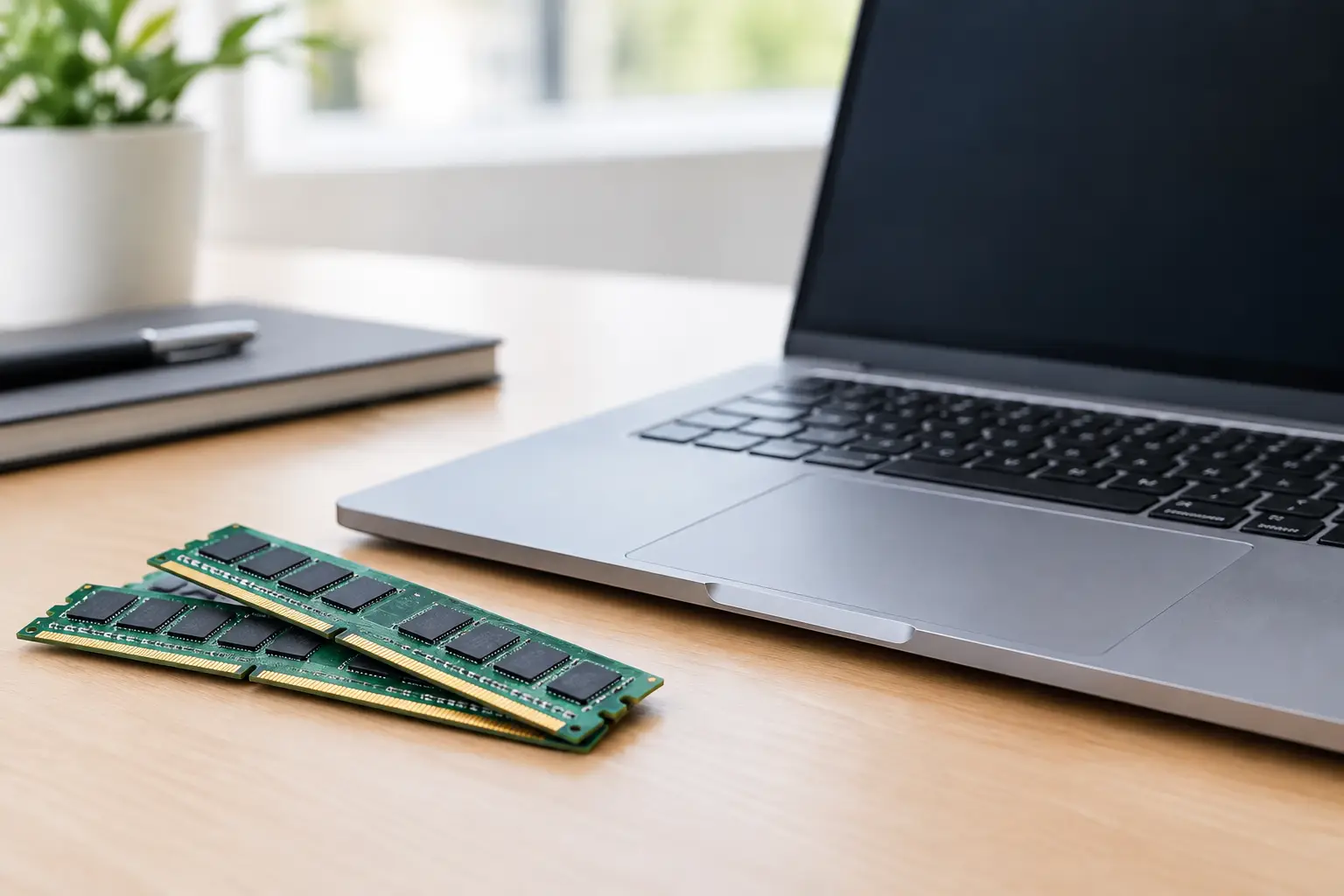
A laptop that looks like a great deal can become frustrating fast if it runs out of memory halfway through a video call, a research project, or a game. Laptop RAM requirements are not one-size-fits-all: the right amount depends on what you open at once, how long you plan to keep the laptop, and whether the memory can be upgraded later.
For many Canadian shoppers, 16GB is the current sweet spot. It gives you comfortable room for everyday work, school, entertainment, and a healthy collection of browser tabs without pushing the price into premium territory. But 8GB can still be a smart buy for light use, while 32GB makes sense when demanding creative apps or serious gaming are on the shopping list.
What RAM does in a laptop
RAM, or random access memory, is your laptop’s short-term workspace. When you open a browser, spreadsheet, game, photo editor, or streaming app, it uses RAM to keep the information it needs close at hand. More RAM helps your computer keep several active tasks moving without constantly slowing down to fetch data from the storage drive.
It does not make every laptop automatically fast. A weak processor, a small or nearly full SSD, overheating, or an old graphics chip can still limit performance. Think of RAM as one part of the package, but a part that is hard to ignore once it is too limited.
A common sign of insufficient memory is a laptop that feels fine with one program open but lags when you switch between tabs or apps. Pages may reload, video calls can stutter, and everyday multitasking starts to feel like a chore. Buying enough memory up front is often better value than replacing a laptop earlier than planned.
Laptop RAM requirements by everyday use
8GB: best for basic browsing and light schoolwork
An 8GB laptop can cover the essentials. It is suitable for email, online banking, streaming, word processing, video calls, and modest web browsing. Students working mainly in cloud-based documents can get good value from 8GB, especially when paired with a modern processor and SSD.
The trade-off appears when the workload grows. A browser with many tabs, large PDFs, several Microsoft Office apps, and a video meeting can use most of that memory. It can still work, but it may not feel quick for years to come. Choose 8GB when the price is right and your needs are genuinely simple, not because it is the cheapest option on the page.
16GB: the best value for most buyers
For most people, 16GB is the easy recommendation. It is a strong fit for university students, home offices, families sharing a computer, young professionals, and anyone who likes to multitask without managing every open tab.
With 16GB, you can comfortably run a browser, office apps, video calls, music, messaging, and light photo editing at the same time. It is also a better starting point for casual gaming and provides more breathing room as software becomes more demanding. If you want a laptop that remains useful for several years, this is usually the right place to spend a little more.
32GB: for creators, power users, and serious gamers
A 32GB laptop is not necessary for checking email or watching shows, but it can be a very worthwhile upgrade for the right buyer. Video editors, graphic designers, programmers using virtual machines, engineering students, and photographers working with large image files will notice the extra headroom.
Gamers may also benefit, particularly when playing newer titles while keeping Discord, a browser, streaming software, or background tools open. Many games run well with 16GB, so do not choose 32GB solely because a product page suggests it. Choose it because your full setup demands it, or because you want a higher-spec machine that will stay comfortable longer.
64GB and beyond: specialized, not standard
Memory capacities above 32GB are aimed at specialized workloads. Think professional 4K or 8K video production, advanced 3D rendering, large software builds, complex data work, and multiple virtual machines. These laptops can be excellent tools, but they are not automatically better deals for normal household use.
For an everyday buyer, the extra money may deliver more benefit when spent on a better display, larger SSD, stronger processor, or dedicated graphics card. A balanced laptop is usually a happier laptop.
How to choose RAM without overspending
Start with the work you actually do on a normal busy day, not the lightest task you perform. If your laptop often has 15 browser tabs open, a spreadsheet running, photos uploading, and a call in progress, shop as a multitasker. If it is mostly used for recipes, email, streaming, and occasional documents, a basic configuration may be all you need.
Also consider how long you expect to own it. A 16GB model may cost more than an 8GB alternative, but the difference can be easier to justify when it postpones the need for an upgrade. Deal shoppers should compare the full configuration, not just the discount badge. A great sale on a laptop with too little RAM is not always a great deal.
Storage is often confused with memory. A 1TB SSD gives you more room for files, games, photos, and downloads, but it does not replace RAM. Likewise, virtual memory uses part of the SSD when RAM fills up, yet it is much slower than having enough physical memory installed.
Check whether the RAM can be upgraded
Before choosing between 8GB and 16GB, look closely at upgradeability. Some laptops have memory slots that allow a technician or confident owner to add RAM later. Others use soldered memory, meaning the capacity you buy is the capacity you keep.
Soldered RAM is common in thin, lightweight models and is not necessarily a problem. It simply makes the original configuration more important. If a sleek laptop has fixed 8GB memory, make sure that matches your real needs for the life of the device. If the model supports upgrades, an affordable 8GB version may be a reasonable starting point, provided the upgrade cost and compatibility are clear.
You should also avoid mixing memory types without checking the specifications. Laptop RAM comes in generations such as DDR4 and DDR5, and they are not interchangeable. DDR5 can offer performance advantages in newer systems, but capacity usually matters more than the generation for light everyday tasks. A 16GB DDR4 laptop is often a smarter choice than an 8GB DDR5 model if the prices are close.
RAM for gaming laptops
Gaming laptop shoppers should treat 16GB as the practical baseline. It supports most current games while leaving room for the operating system and background apps. The graphics card and processor still have the biggest influence on frame rates, so do not sacrifice a much better GPU just to move from 16GB to 32GB.
Move up to 32GB when you play demanding games, mod heavily, stream, record gameplay, or want to run several apps alongside your game. It can improve consistency in memory-heavy situations, but it will not turn an entry-level graphics card into a high-end one. Look for the right balance, especially when comparing popular gaming deals.
RAM for students and work-from-home setups
Students with basic coursework can manage with 8GB, but 16GB is the safer choice for programs that involve coding, design, large presentations, research-heavy browsing, or online classes. It also leaves room for the unexpected: a new course may introduce software your first semester never required.
For home office use, 16GB helps keep the day moving when you have video meetings, large spreadsheets, Slack or Teams, browser-based tools, and security software active. If your job involves virtual desktops, data analysis, or editing high-resolution media, ask your employer or software provider for recommended specifications before buying.
A quick buying rule that works
If you want the simplest answer, choose 8GB for very light and price-sensitive use, 16GB for the best all-round value, and 32GB for demanding creative, development, or gaming workloads. Then check the processor, SSD capacity, screen quality, battery expectations, and whether the RAM is upgradeable.
The best laptop is not the one with the longest spec sheet. It is the one that handles your daily routine comfortably, fits your budget, and still has enough room for next year’s projects. When a good deal appears, let your real workload make the final call – not just the biggest number in the product listing.